
From the home page
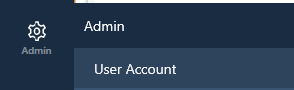
- Click on ‘Admin’ and then on ‘User Account’:
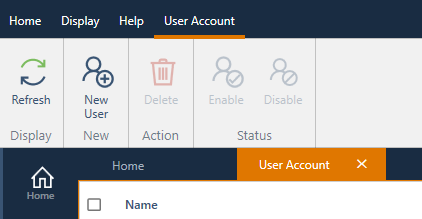
- Click on ‘New user’:
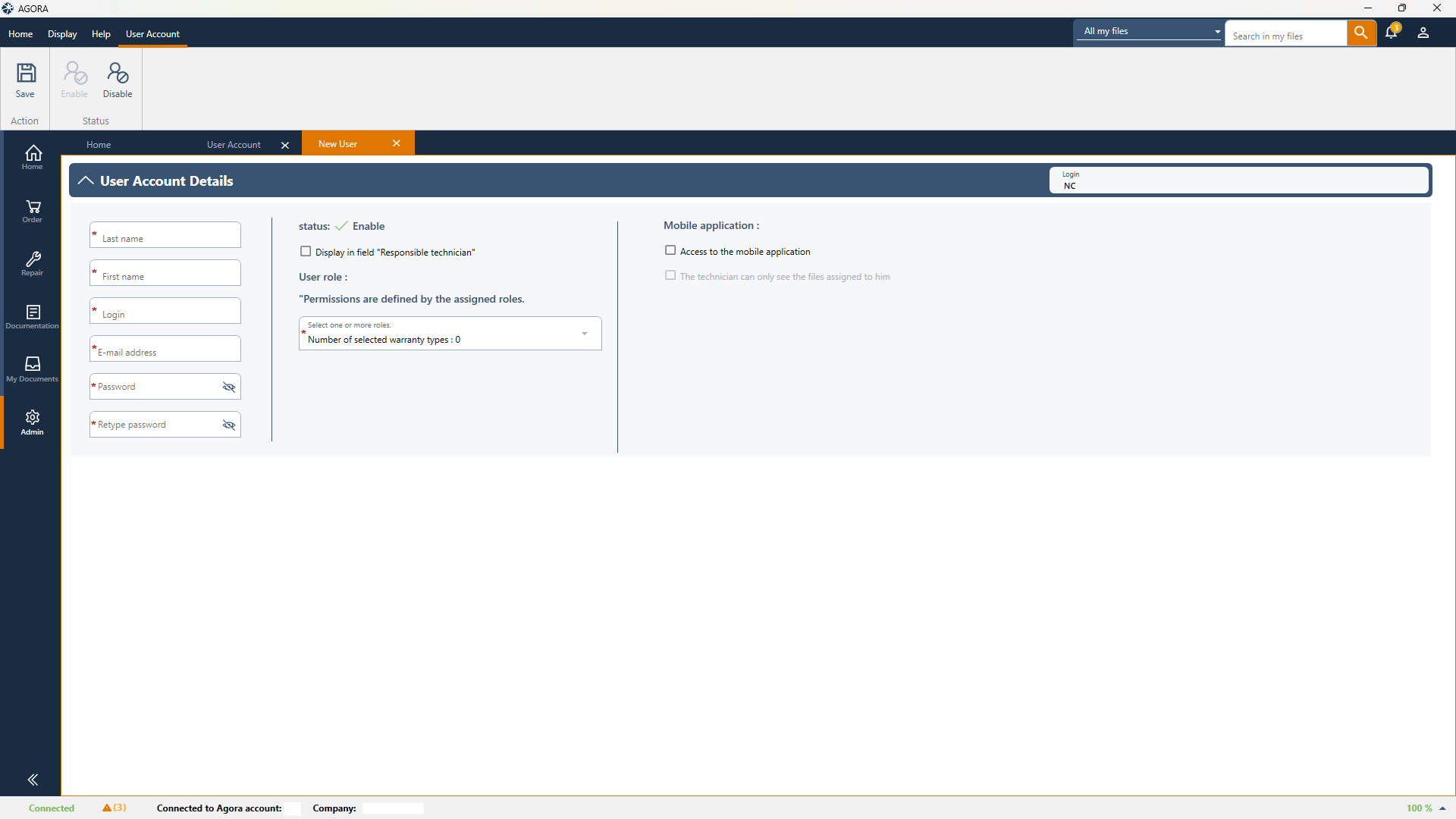
- Enter the details for the new user (the email address can be the same for all users)
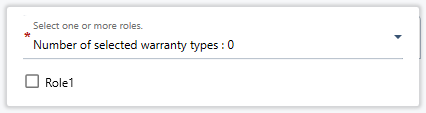
- Permissions are managed via the roles created in AGORA. Please see the FAQ How do I create, edit and delete a role? for further information on this subject.
- Click on 'Save'